Get your device from a trusted source
Purchase through Ledger’s official website or an authorized retailer. Check that the package is intact, and never use a wallet that arrives with a recovery phrase already written down.
YOUR FIRST STEPS, MADE CLEAR
A straightforward guide to setting up a Ledger hardware wallet, protecting your recovery phrase, and managing crypto assets with care.
Independent educational guide. Always verify downloads and instructions on Ledger’s official website.
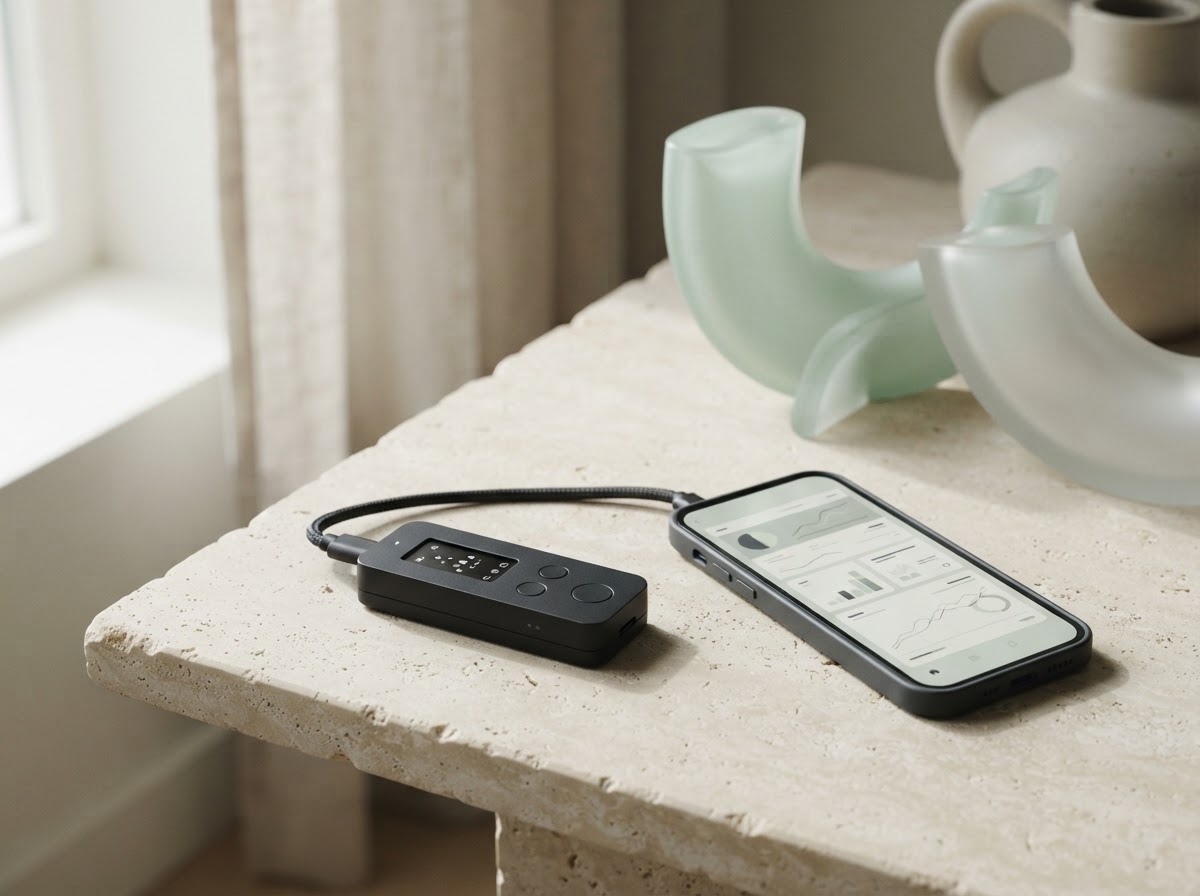
THE ESSENTIALS
Go at your own pace. The most important part of getting started is keeping your recovery phrase private and offline.
Purchase through Ledger’s official website or an authorized retailer. Check that the package is intact, and never use a wallet that arrives with a recovery phrase already written down.
Follow the setup instructions at Ledger.com/start and download Ledger Wallet only from an official Ledger page or your device’s verified app store. Avoid sponsored search results and lookalike downloads.
Set up a new wallet directly on your device and record its recovery phrase offline, exactly as shown. Store it somewhere private and secure. Never photograph, email, or type it into a website or computer.
Use the official app to check your device and install only the apps you need. Add a crypto account for each network you use, then verify receiving addresses on the device screen before sharing them.
KEEP YOUR KEYS YOURS
Your recovery phrase is the master backup to your wallet. Anyone who gets it may be able to access your assets.
Read official security guidanceLedger Support will never ask for your recovery phrase.
AFTER YOUR WALLET IS READY
A few good habits make day-to-day self-custody easier to understand and safer to navigate.
Add accounts only for the networks you use. Confirm the network before receiving or sending assets—similar-looking addresses can belong to different chains.
Learn the basicsRead the destination, network, and amount on your device display. Be cautious with unexpected token approvals, signing requests, and links sent in direct messages.
Visit Ledger SupportGet app updates through official channels. Never install software or follow a “recovery” link because of an unsolicited message or a search ad.
Check the official start pageGOOD TO KNOW
For device-specific or current product details, confirm information directly with official Ledger support.
Open Ledger SupportA hardware wallet keeps the private keys that authorize transactions protected by your device. The companion app helps you view accounts and prepare transactions; review and approve actions on the device itself.
It is the offline backup that can restore access to your wallet. Keep it private and physically secure. Ledger Support, this guide, and legitimate support agents will never need you to share it. Never enter it into a website, chat, or app.
Usually, yes. Install the relevant network app on your device and add the matching account in the official wallet software. Supported networks and features can change, so confirm current compatibility on Ledger’s official site.
Only restore an existing wallet if you understand where that phrase came from and trust its history. Enter it only on the hardware wallet during its on-device setup—not on a computer or website. If in doubt, create a new wallet and seek official support without disclosing the phrase.
READY WHEN YOU ARE
Device setup steps and supported features can change. Use Ledger’s own start page for the latest instructions, and never share your recovery phrase with anyone.
Continue to Ledger.com/start